
BETANew · opened in November 2026
Raiding Timer, farm lists and defence for your Travian alliance
For Travian: Legends. Also the inactive finder, resource overflow and alarms, on server time.
Everything is free until January 1, 2027, and if you sign up before then you keep the Beta badge forever.
Sign up with
- Free for alliances
- Discord is optional
- Never asks for your Travian password
Swipe to see the whole screenshot →
Inactive finder
No account neededVillages near you that haven't grown in days, ready to raid. From the map Travian publishes every day.
Log in for more: search from all your villages, hide your alliance, leave out the ones already in your farm list, filter by tribe and population.
For raiding
Send on time, to the farms that pay off.
Swipe to see the whole screenshot →
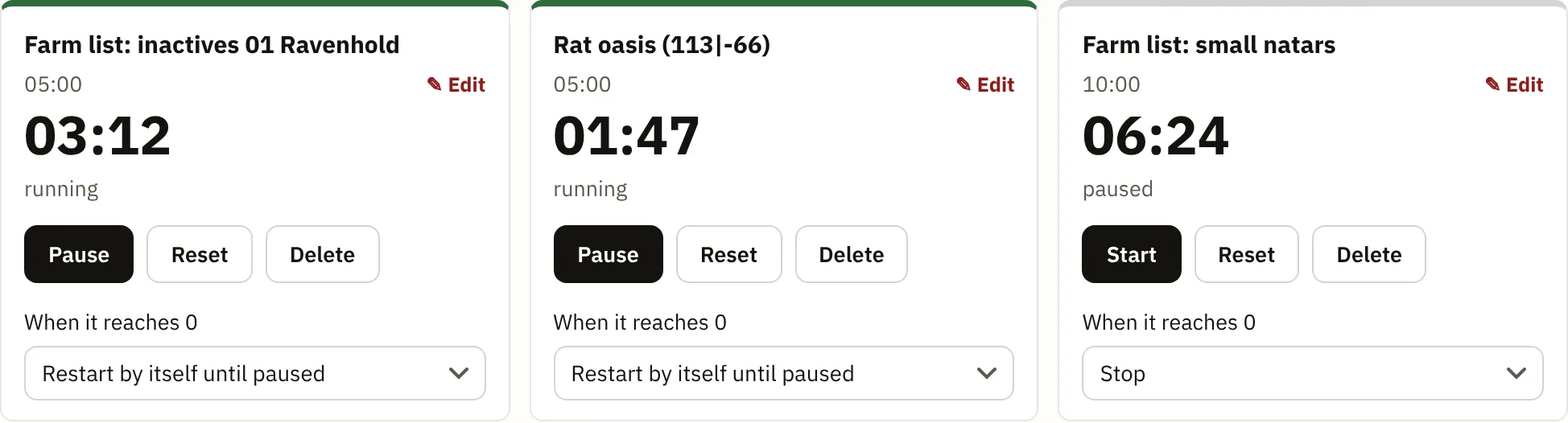
Raiding Timer
One timer per farm list or oasis.
- When it hits zero it rings and starts again, until you pause it.
- The countdown shows in the browser tab.
- The same timers on your computer and your phone.
Swipe to see the whole screenshot →
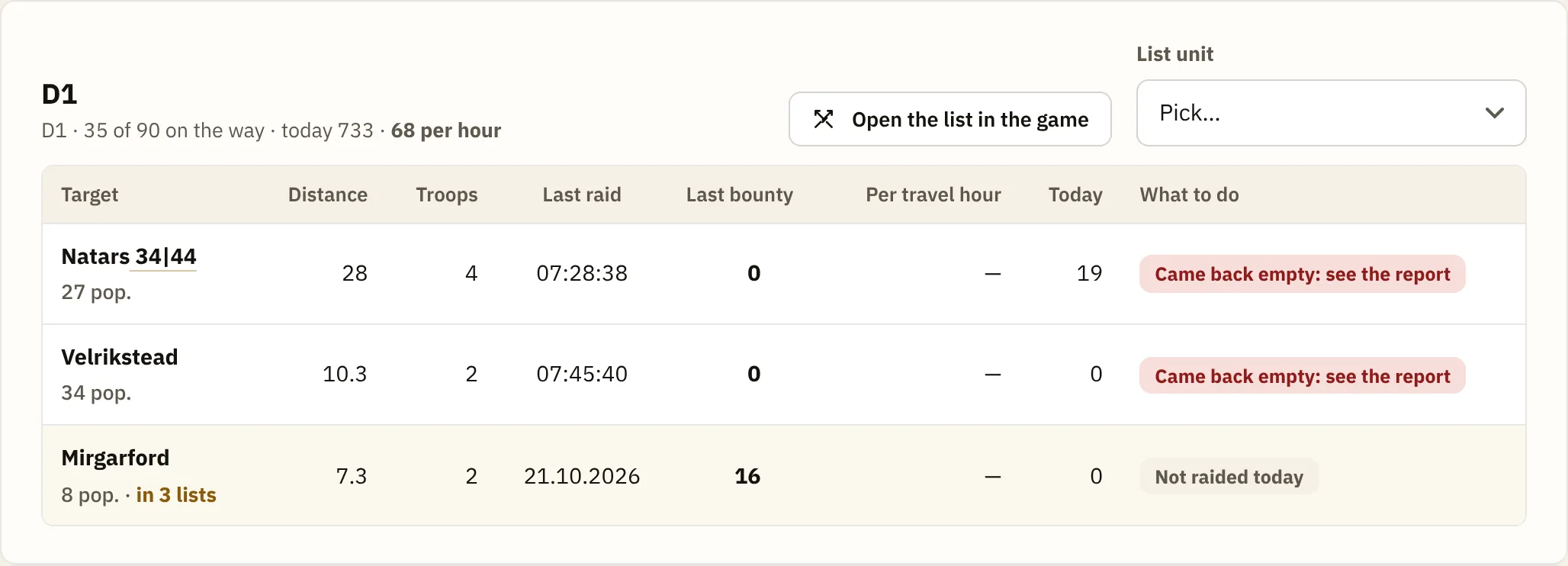
Farm List analyzer
Paste your farm list from the game and check it farm by farm.
- How full the last raid came back, with the loot of each one.
- The ones that came back empty or with something odd go first.
- For the ones that pay little, how many troops are enough.
Swipe to see the whole screenshot →
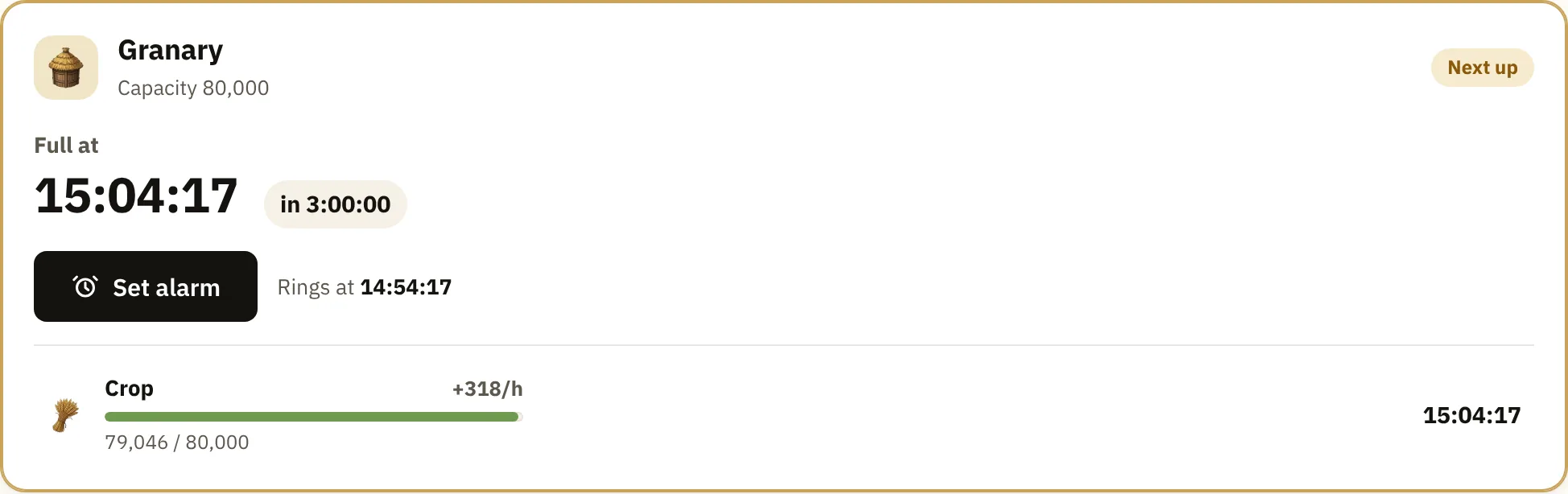
Overflow
Paste your village's resource view: when the warehouse or granary fills up.
- The time and how long is left, resource by resource.
- Also when the granary empties if your crop is negative.
- An alarm 5, 10, 15 or 30 minutes before.
Defence and alarms
Swipe to see the whole screenshot →
Defence calls
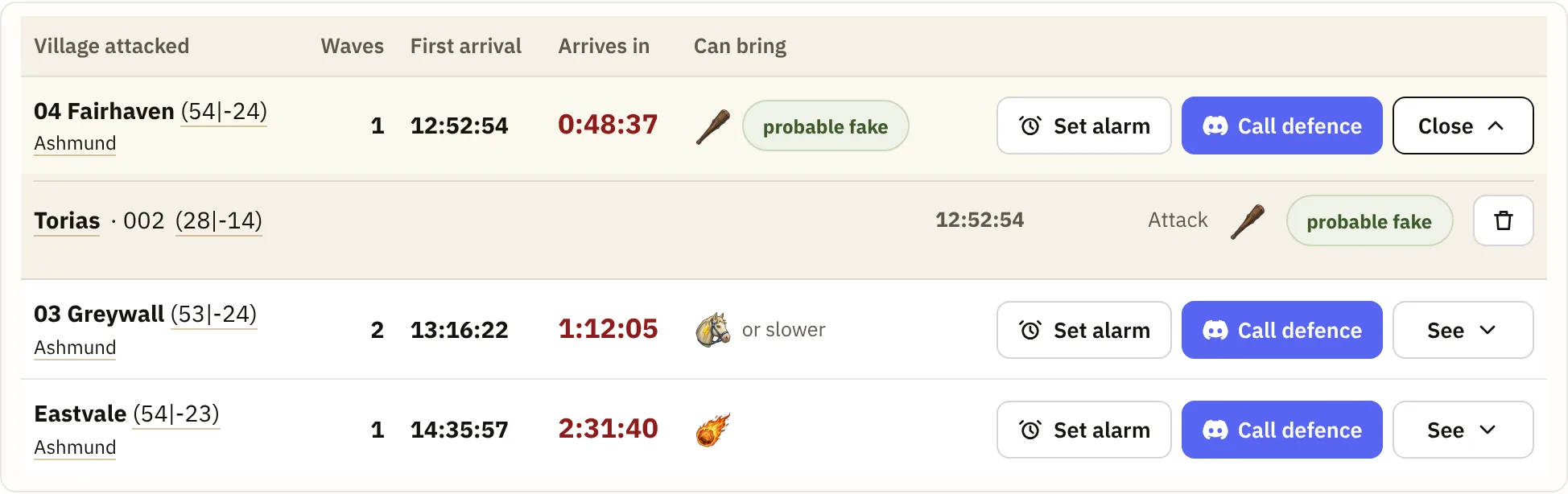
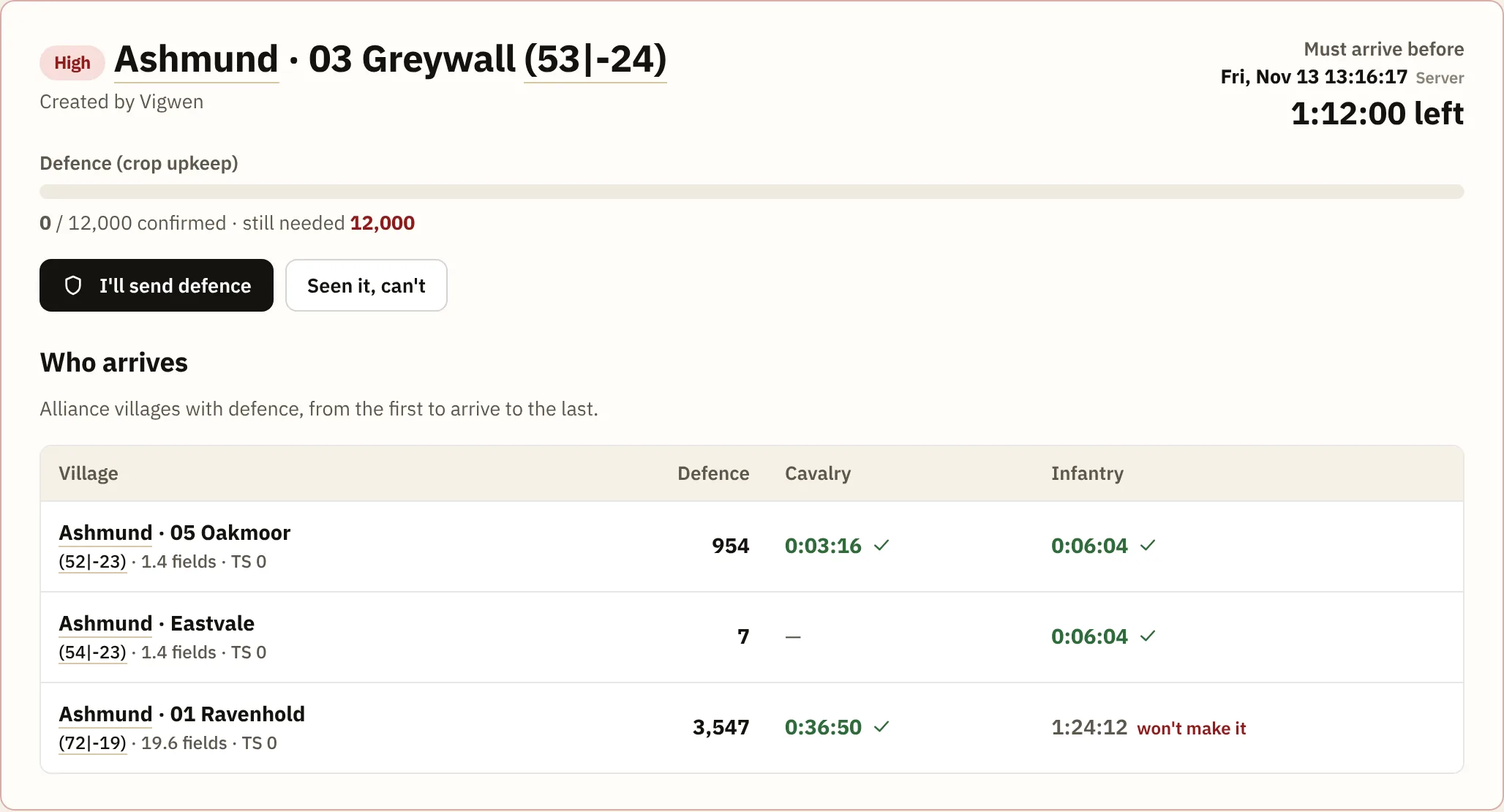
Ask for defence for a village. Every member sees how much is still needed and which alliance villages get there in time, cavalry and infantry separately.
Members say what they send, or “seen it, can’t”. If your alliance connects Discord, the call also goes to your channel.
From Incoming attacks, one click: “Call defence”.
Swipe to see the whole screenshot →
Alarms
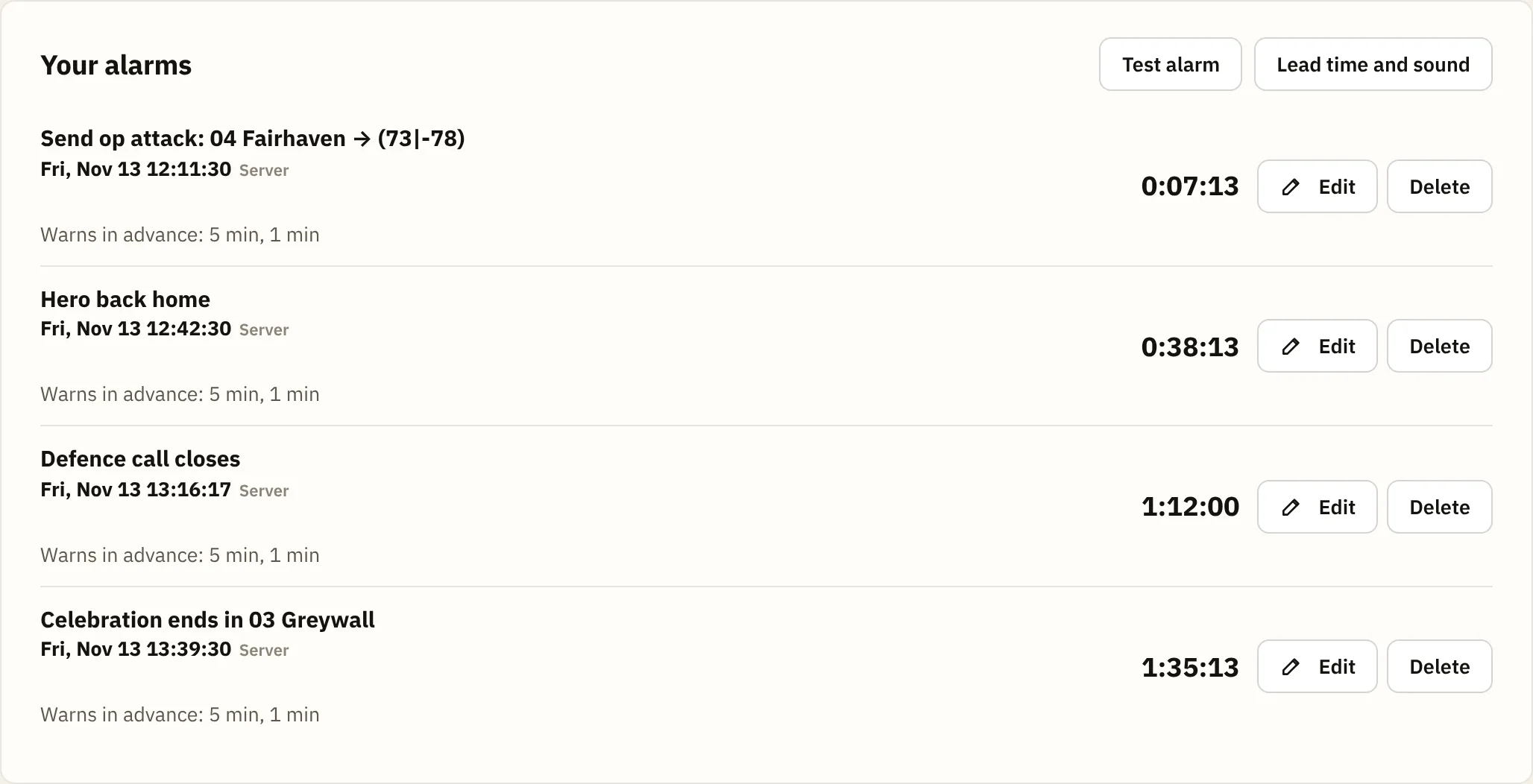
On server time, with a warning before they ring.
- Paste the time from the game and the alarm sets itself.
- Warns you 5 and 1 minute before (you choose).
- Rings on any TravCrew page you have open.
- In your op orders, one tap sets the alarm for each send.